Case study
AccessiScan
Automated accessibility auditor
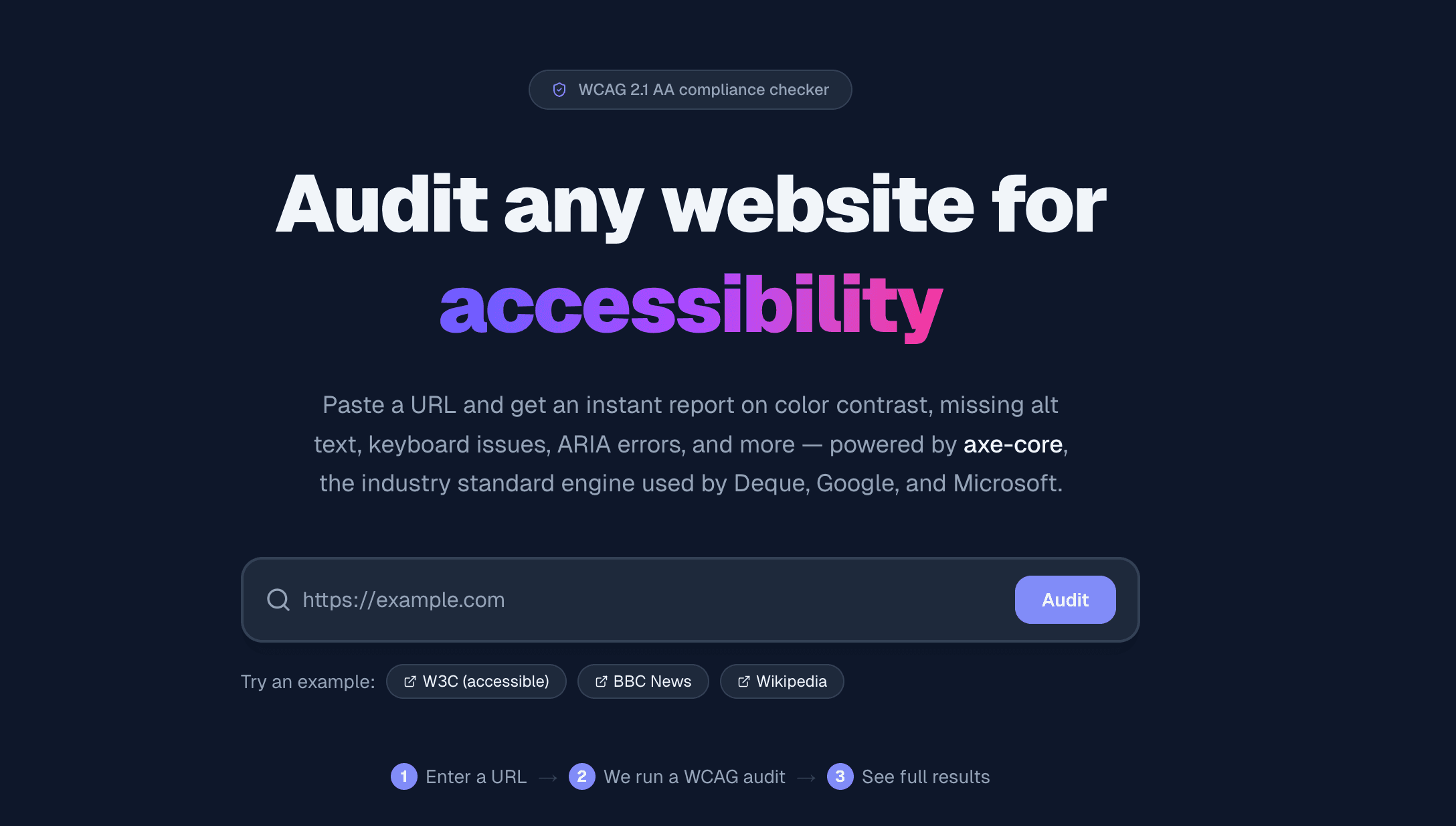
AccessiScan audits any public URL against WCAG 2.0 and 2.1 AA, then turns the results into a compliance score and a categorized list of violations.
- Stack
- Next.js
- TypeScript
- Playwright
- axe-core
- Docker
- Links
- Live site ↗
Where it started
AccessiScan started in an accessibility course in my Master's in Human-Computer Interaction at Drexel University. I wanted to take what we were learning about WCAG and turn it into something anyone could use: paste in a URL, see what's wrong, and understand why it matters to the people using the page.
How it works
An audit runs in a single request. The results page sends the URL to a Next.js API route (POST /api/audit), the server audits the page in a headless browser, and the report comes back as JSON.
Check the URL. The form and the API both clean up the input (adding https:// if it's missing) and reject anything that isn't a valid web address. Localhost and private network addresses are refused, so the server can't be pointed at internal machines.
Load the page like a visitor. Playwright launches headless Chromium with a standard desktop browser profile, opens the page, and waits for scripts to render dynamic content.
Inject axe-core early. The axe-core engine is added with an init script that runs before any of the page's own JavaScript, so sites with strict security policies, like YouTube and Google, can't block it.
Run the WCAG rules. axe-core checks the rendered page against the WCAG 2.0 A, WCAG 2.0 AA and WCAG 2.1 AA rules, plus Deque's best practices. It records violations, passed checks, and anything that needs a human to review.
Return the report. The API responds with each violation's severity, the HTML elements affected and a link to the rule's documentation, along with the score, the grade and the number of elements scanned.
Scoring
Every page starts at 100. Each failing rule takes off points by severity: 15 for critical, 10 for serious, 5 for moderate and 2 for minor. Each severity has a cap (45, 30, 15 and 10 points), so one type of problem can't sink the score on its own. The score then maps to a letter grade, from A (90 and up) to F (below 60).
Making results readable
Raw axe-core output is written for developers, so the results page translates it for designers and product owners too.
- Violations are sorted into six categories you can filter by: color and contrast, images and media, keyboard access, ARIA and roles, forms and labels, and structure and headings.
- The 17 most common rules come with a plain-language explainer: what's wrong, who it affects, and a real-world example of what breaks.
- Each violation shows the HTML that failed and links to the full rule documentation. Passed checks are listed separately, so you can also see what the page gets right.
- The full audit can be downloaded as a JSON file to share or keep as a record.
Handling the real web
Plenty of sites resist automated browsers, so failures come back as specific, readable errors instead of a generic crash. Pages that take longer than 30 seconds to load time out with an explanation, and sites that block bots are flagged as such.
Stack & deployment
Built with Next.js and TypeScript. Playwright needs a full Chromium install, so the app ships as a Docker image built on Microsoft's Playwright base image, which includes the browser's system dependencies, and runs on Render.